
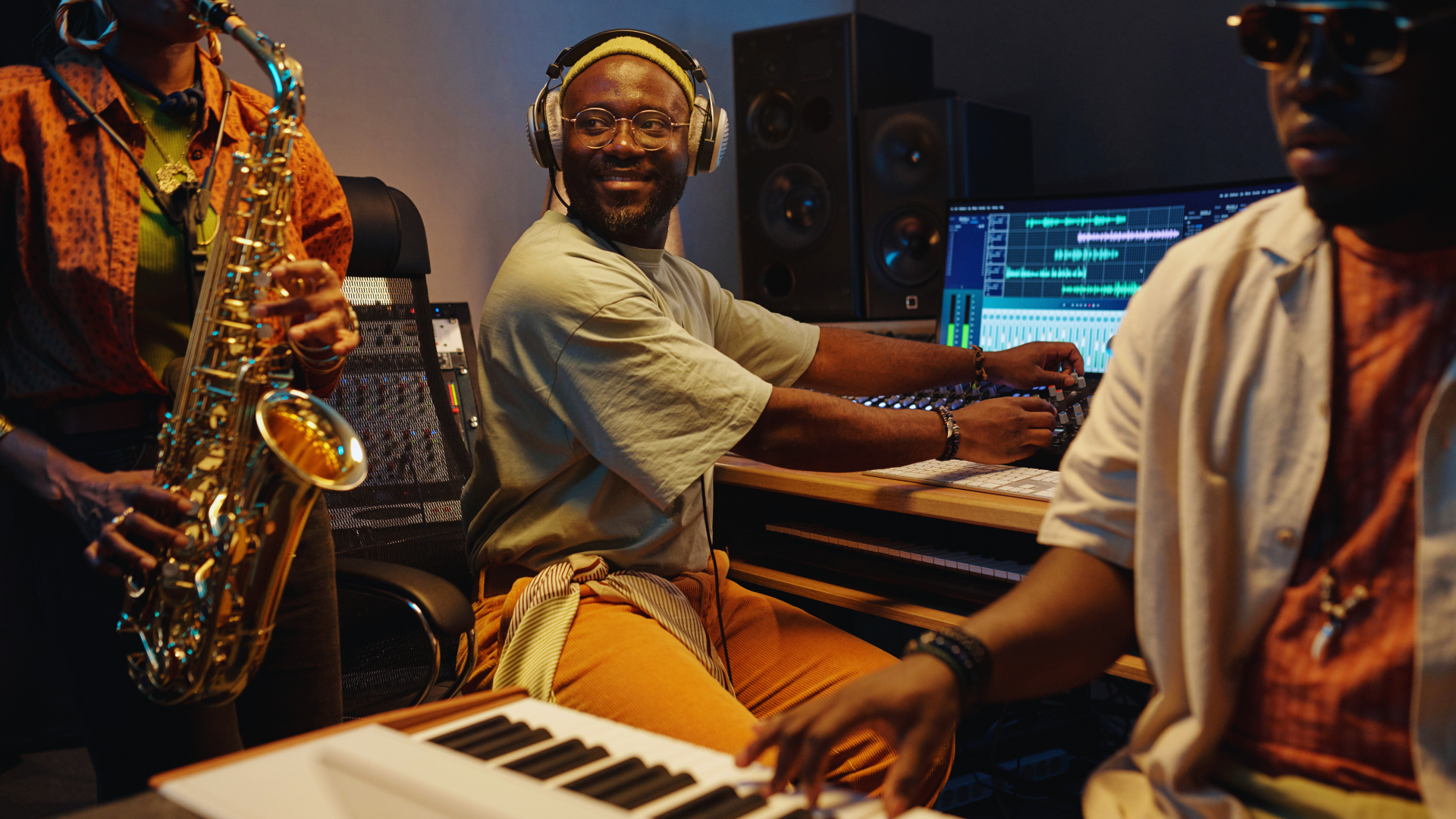
Looping melodies is a fundamental technique for creating rich, layered compositions that maintain interest without becoming overwhelming. The key is to design loops that are both musically engaging on their own and flexible enough to blend seamlessly with other elements. This approach allows composers to build complexity gradually while preserving clarity.
Understanding how to develop and arrange these loops helps in crafting dynamic textures and evolving soundscapes. Effective looping involves attention to rhythm, harmony, and variation, ensuring each layer supports the overall piece without clashing.
By mastering looping strategies, creators can elevate simple melodic ideas into intricate, multi-dimensional works. This guide explores practical methods to achieve balanced and compelling layered compositions through looping.
Foundations of Looping Melodies for Layered Compositions
Looping melodies play a crucial role in creating rich textures and depth in music production. Effective layering requires careful selection of melodic elements and an understanding of how they interact within a digital audio workstation (DAW). The following points focus on essential concepts to build solid foundations in looping melodies.
Understanding the Role of Melodic Loops
Melodic loops are short sequences that repeat consistently, providing rhythmic and harmonic continuity in a piece. They serve as anchors in layered compositions, allowing producers to build upon reliable patterns without losing coherence.
In sound design, loops simplify the arrangement process by creating predictable structures. These repeatable elements facilitate experimentation with other layers while maintaining a steady musical framework.
Loops often vary in length and complexity, fitting into different sections of a track. They guide the listener’s ear and establish motifs that define the composition’s character.
Benefits of Layering Melodies
Layering melodies enhances the sonic palette by combining distinct sounds and textures. This technique adds depth, interest, and dimensionality to a track that a single melodic line might lack.
Producers use layering to emphasize certain notes, create harmonies, or introduce counter-melodies. This results in a fuller sound that is engaging and dynamic.
In a DAW, layering allows flexible control over individual tracks for mixing and effects processing. It also helps balance frequencies, preventing muddiness through clear separation of elements.
Selecting Melodic Elements for Looping
Choosing the right melodic elements is critical for successful looping and layering. Elements should complement each other in pitch, rhythm, and timbre to avoid clashes.
Simple motifs often work best as loops because they provide space for additional layers without overcrowding the mix. Using variations in velocity and articulation can add subtle interest within repetitive patterns.
Sound design tools in a DAW enable producers to shape each element’s tone, ensuring sonic cohesion across layers. Prioritizing elements with distinct frequency ranges helps maintain clarity and avoids competition in the sound spectrum.
Core Techniques for Layering Looped Melodies
Layered loops must maintain clarity and coherence while contributing to the overall texture. Balancing rhythm, harmony, and timing is essential to building rich, engaging soundscapes without clutter.
Utilizing Rhythm and Groove in Layers
Rhythm defines how loops interact and drive the composition forward. Looping melodies should complement existing drum layers by matching or contrasting groove patterns deliberately.
Producers often vary rhythmic subdivisions across layers, such as combining eighth-note and sixteenth-note phrases, to create movement without sonic conflict. Pay attention to frequency ranges; dense rhythms in mid frequencies can mask melodic content.
Using subtle swing or syncopation in one loop while keeping others straight can enhance groove. Avoid identical rhythmic patterns in all layers, as that reduces interest and may lead to a cluttered mix.
Harmonizing with Chord Progressions
Aligning loops to chord progressions ensures harmonic cohesion. Each loop can emphasize different chord tones or extensions to enrich the harmony.
It helps to identify root, third, and fifth notes in the progression and assign loops to play around these or tensions like sevenths and ninths. This prevents harmonic clashes and complements the main progression.
Using complementary intervals, like thirds or sixths, between loops adds warmth and depth. Avoid stacking dissonant intervals unless intending tension. Balancing loop frequencies prevents masking, especially in overlapping melodic lines.
Timing and Syncing Loops
Precise timing is critical for layered loops to mesh well. Loops must start and end exactly on grid points to maintain synchronization.
Using quantization or manual nudging aligns loops with the tempo grid, preventing phase issues or rhythmic drift. Syncing loops to a master clock or DAW transport helps maintain consistent groove.
When layering drum loops with melodic loops, separate low-frequency noise percussion to avoid frequency clashes. Slightly offsetting some loops can create a natural, human feel, but too much variation risks losing tightness.
Consistent loop length and proper fade-in/out techniques avoid abrupt transitions that disrupt the flow.
Mixing and Processing for Depth and Clarity
Effective layering hinges on clear separation of sounds and spatial definition in the mix. Proper use of frequency shaping, dynamic control, and spatial techniques helps avoid masking and enhances the overall arrangement. Attention to detail in each element’s mix position ensures both depth and clarity.
EQ and Frequency Management for Layers
EQ is essential to carve out space for each melody loop. Applying high-pass filters on higher-pitched loops removes unnecessary low frequencies that clash with the bassline or kick drum. Conversely, boosting or cutting midrange areas can give loops a distinct presence.
Using narrow EQ cuts helps reduce frequency masking without dulling the sound. For example, reducing 200-400 Hz on one layer while emphasizing those frequencies on another reduces muddiness. Managing low frequencies carefully maintains a clean, punchy bass foundation.
Subtractive equalization often works better than additive. This approach prevents frequency overcrowding and preserves headroom for compression or effects later.
Applying Effects: Reverb, Delay, and Filters
Reverb and delay add spatial dimension but should be applied with restraint. Short reverb times or plate reverbs prevent loss of rhythmic clarity in looping melodies. Separate reverb sends can create consistent space without wetting the dry signal too much.
Delays synced to the tempo emphasize groove and can create movement, but feedback levels must be controlled to avoid clutter. Bandpass or low-pass filters on delay returns help remove harsh high frequencies.
Using filters before effects can further refine tone, removing frequencies that might muddy the processed signal. Automating filter sweeps can introduce variation without overwhelming the loop’s core melody.
Volume Balancing and Automation
Volume balancing is critical to ensure each melodic layer remains audible yet integrates smoothly. Static balancing only works up to a point—automation adjusts levels dynamically, following the song’s progression.
Sidechain compression under basslines or kick drums helps maintain low-frequency clarity by ducking competing elements momentarily. It prevents bass frequencies from clashing with midrange loops.
Automation can also bring attention to key melodic phrases by raising their volume slightly during focal moments. This control aids in preventing listener fatigue or masking critical musical details.
Panning and Stereo Field Techniques
Strategic panning spreads layers across the stereo field, creating a sense of width. Placing melodies slightly left or right prevents center frequency buildup where kick and bass usually reside.
Using mid-side processing can enhance stereo width without compromising the mono compatibility of low frequencies. Low-frequency elements generally stay centered to maintain a solid foundation.
Panning combined with subtle delays or reverb, varied per channel, furthers spatial depth, making layered loops feel less crowded and more immersive. This technique separates voices perceptually, increasing mix clarity and listener engagement.
Creative Strategies and Advanced Layering Approaches
Effective layering relies on thoughtful integration of rhythmic, harmonic, and textural elements. Managing contrast and clarity within loops enhances the depth of a composition without overcrowding the soundscape.
Incorporating Percussive and Bass Elements
Adding percussive elements and basslines creates a rhythmic foundation that supports melodic loops. Drum layering is crucial here; combining different drum samples can produce richer percussion textures. For example, layering a punchy kick with a softer sub-kick can add clarity and weight.
Basslines should lock in rhythmically with drum patterns to maintain groove consistency. Using sidechain compression in a DAW like Ableton can help bass and kick drum coexist without masking each other. Careful sound design avoids frequency clashes and maintains balance between low-end elements and higher melodic loops.
Balancing Texture and Complexity
Balancing layers involves controlling the density and timbre of loops to keep compositions clear and engaging. Too many overlapping elements can result in muddy textures.
Producers often use EQ and panning to separate layers in the stereo field and frequency spectrum. High-pass filters remove unnecessary low frequencies from non-bass layers. Limiting the number of simultaneous loops or simplifying parts during busy sections prevents overwhelming the listener and maintains focus on key melodies.
Software and Tools for Layered Looping
DAWs like Ableton Live offer intuitive tools for looping and layering, including clip launching and session view. These enable easy arrangement and real-time experimentation with loop combinations.
Plugins designed for sound design, such as granular synths or multi-band compressors, help shape individual layers. Looping tools with quantization ensure tight timing alignment across loops. Additionally, some hardware samplers and loopers provide hands-on control for performance-based layering techniques that complement digital workflows.


